Opal C1, reborn
Opal Cut is a native macOS app to manage the discontinued Opal C1 camera.
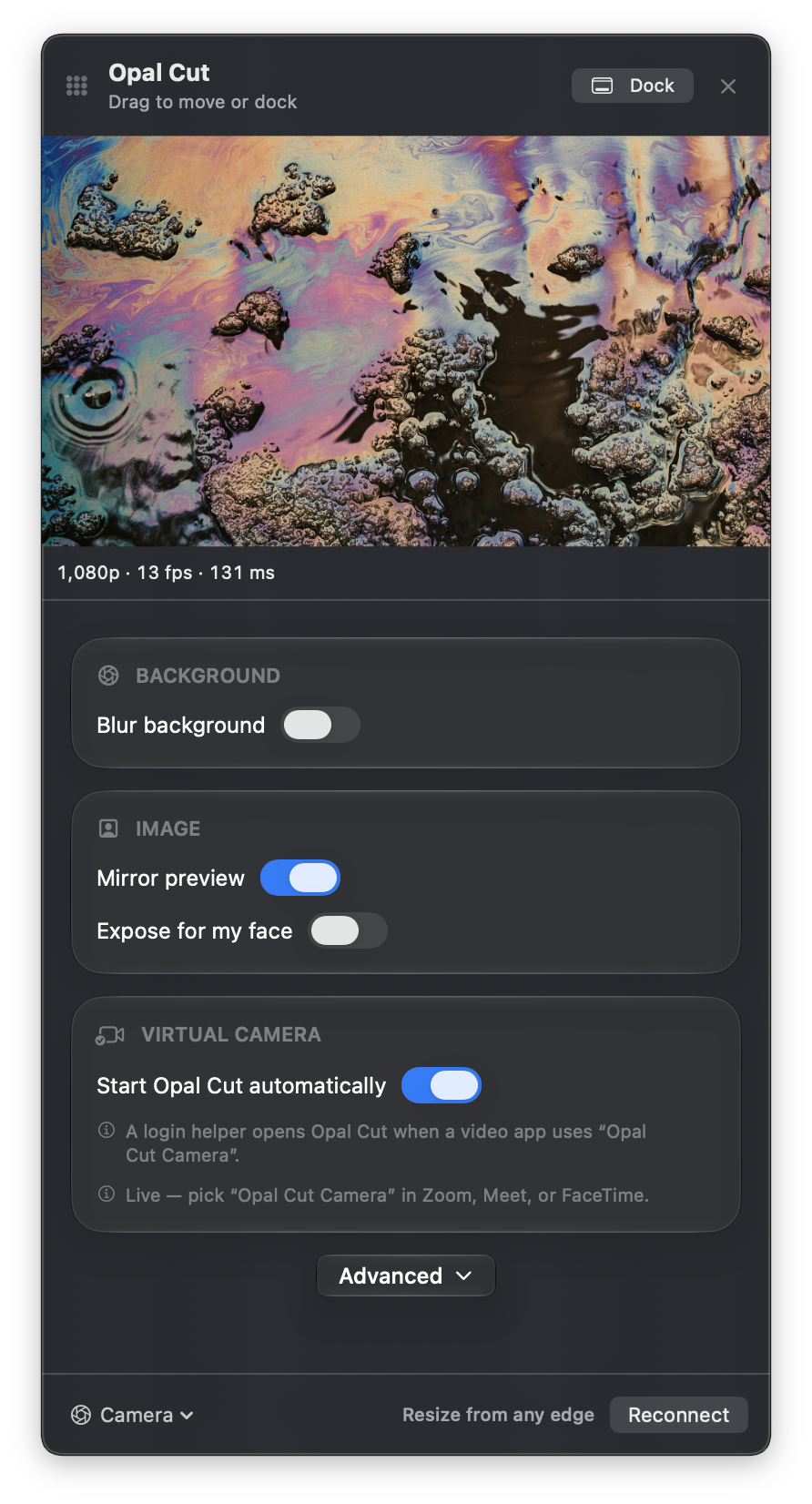
Full camera control
Exposure, focus, white balance, resolution, and more.
Fine-tune depth & blur
Control C1's powerful depth of field & blur effects.
Virtual camera
Use tuned output in any app - Zoom, FaceTime, etc.
Menu bar app
Easily access settings & camera preview and see camera status.
Quick Start
Download and drag to Applications
Open the DMG and drag Opal Cut into Applications.
Plug in your C1 and click the lens icon
Opal Cut lives in the menu bar. Allow camera access when asked.
Turn on the virtual camera
Approve it in System Settings → General → Login Items & Extensions → Camera Extensions, then pick Opal Cut Camera and enable the extension.